
Why the library is part of the accuracy chain
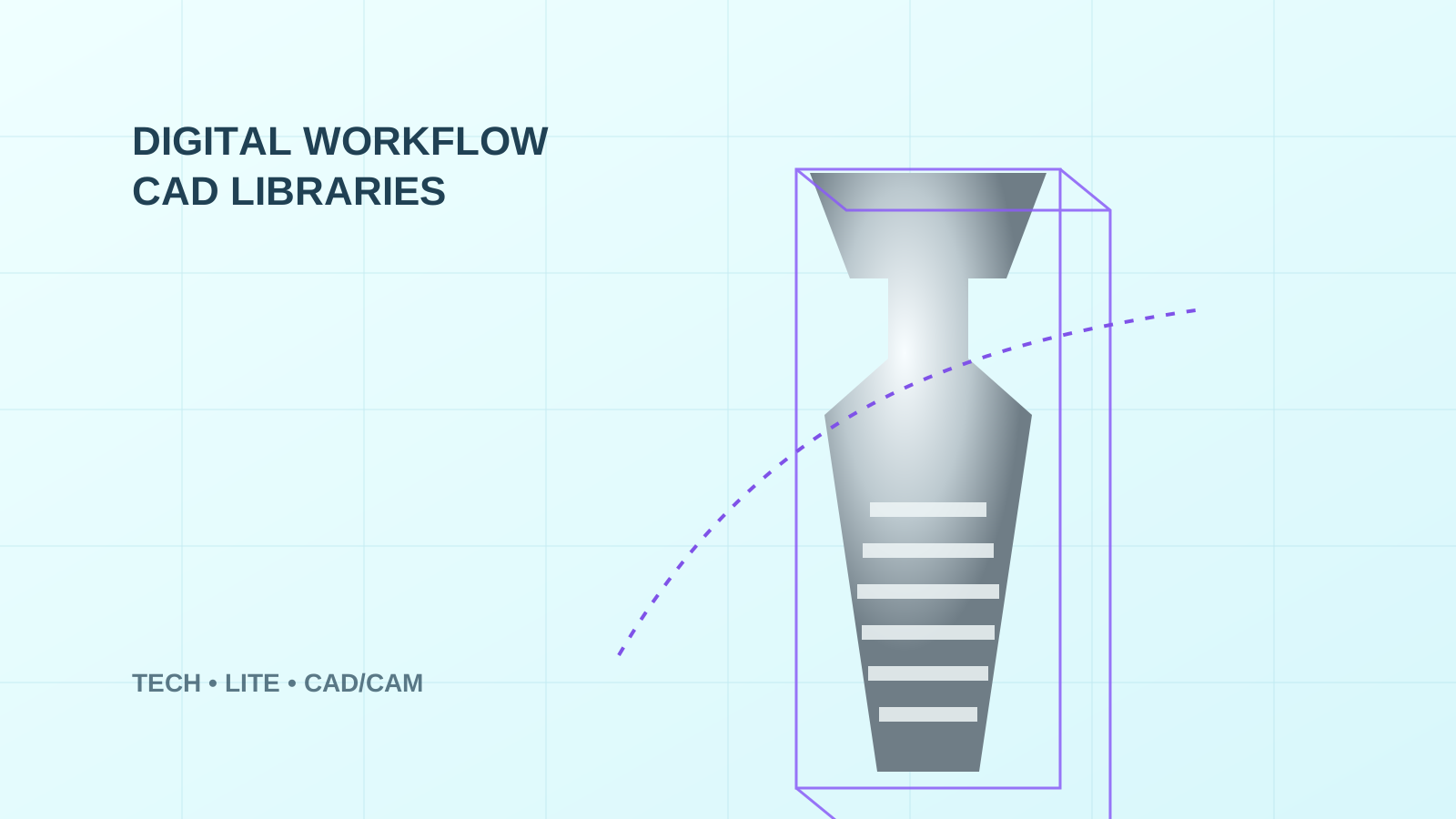
An intraoral scanner creates surface data, but CAD software does not inherently know the exact implant coordinate from that surface alone. The coordinate is established by matching the scanned scan body to the reference geometry stored in the library. The implant, platform, scanning level and exact scan body must therefore all be selected correctly.
From the laboratory perspective, the library is a technological contract between the physical component and the virtual model. If the project contains geometry different from what the library expects, the software may produce a convincing-looking best fit that does not correspond to the intended prosthetic workflow.
TECH and LITE: the difference is in the input geometry
The practical page shows when TECH starts from IPD scan-body geometry and when LITE starts from a supported OEM/third-party MUA scan body, including the link to Exocad.
View the MUA workflow →Pre-design checks
- Which implant system, model and prosthetic platform are actually used in the case?
- Was the scan acquired at implant level, Multi-Unit abutment level or another prosthetic level?
- What is the exact scan-body reference, and is it intended for the selected library branch?
- What is the intended restoration type: single crown, bridge, full-arch, Ti-base or custom abutment?
- Is the library current for the version of Exocad, 3Shape or Dental Wings being used?
Important editorial clarification of the source article
Related pages
Original source
Rafael Saucedo: Digital workflow CAD libraries as a key advancement in modern dentistry, IPD USA, 2026.
